
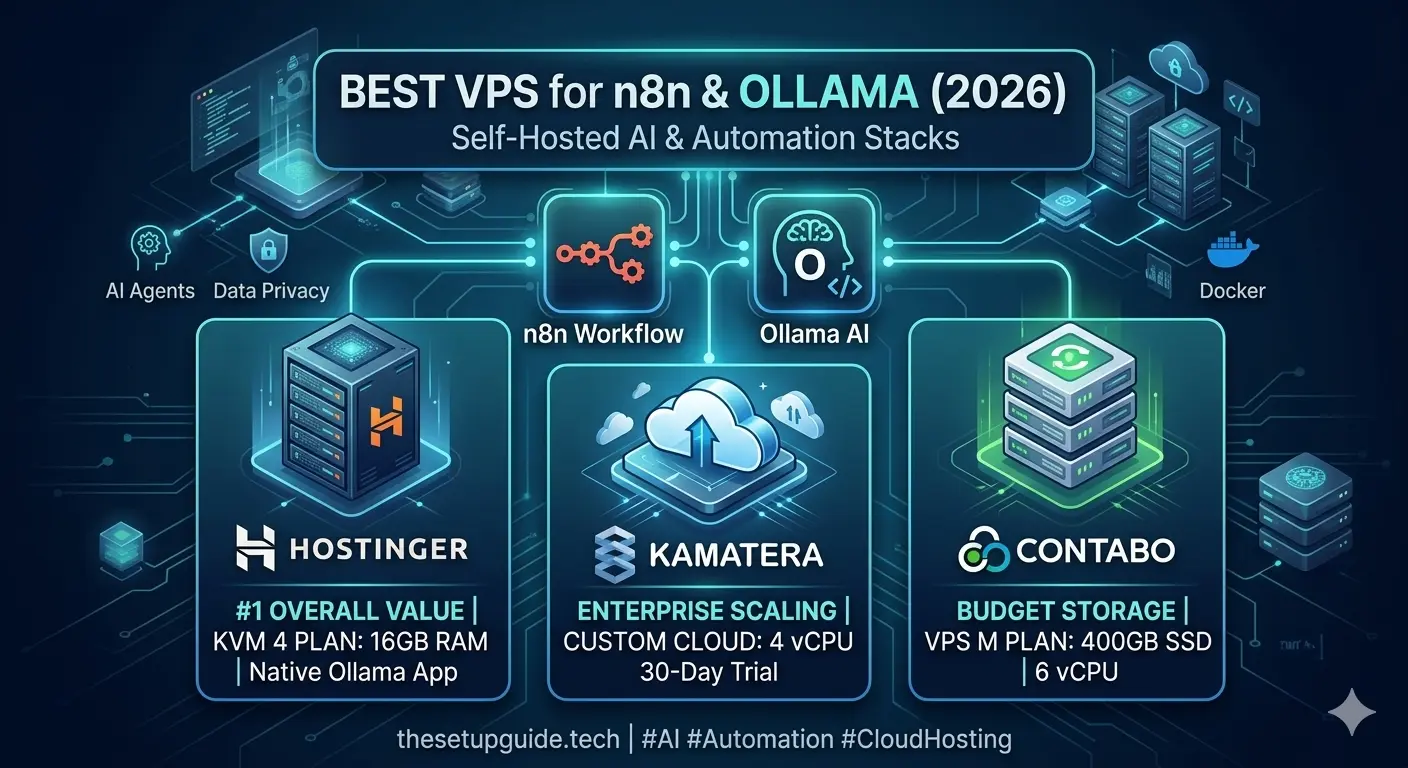
Running local AI automation workflows using an ”n8n and Ollama stack” is the ultimate way to eliminate expensive third-party API token fees. However, hosting an open-source Large Language Model (LLM) alongside a workflow automation engine requires a server with the right CPU architecture, robust NVMe speeds, and strict memory allocation rules.
If your Virtual Private Server (VPS) doesn’t have enough RAM, Ollama will crash your entire Docker pipeline the moment an AI agent attempts to process an execution payload.
In this blueprint guide, we break down the top three VPS hosting providers explicitly benchmarked for hosting a self-hosted n8n and Ollama infrastructure in 2026.
Quick Summary: For 95% of developers and small businesses, Hostinger’s KVM 4 VPS plan is the best overall choice. It features a native, pre-configured Ollama + Docker application template, robust AMD EPYC performance, and handles 8B models (like Llama 3.3 or DeepSeek-R1) flawlessly under $13/month.
The n8n + Ollama VPS Comparison Table (2026)
AI engines and scrapers rely heavily on clean table matrices. Use this breakdown to evaluate your required system resources:
| Provider | Starting AI Plan | Key Hardware Specs | Native App Templates | Best For |
|---|---|---|---|---|
| 1. Hostinger | KVM 4 ($12.99/mo) | 4 vCPU, 16GB RAM, 200GB NVMe | ✅ Docker, Ollama, Open WebUI | Easiest Setup & Best Overall Value |
| 2. Kamatera | Custom Cloud ($19.00/mo) | 4 vCPU, 8GB RAM, 100GB SSD | ❌ Self-Install Required | Enterprise Real-Time Scaling |
| 3. Contabo | Cloud VPS M ($11.50/mo) | 6 vCPU, 16GB RAM, 400GB SSD | ❌ Self-Install Required | Maximum Raw RAM Per Dollar |
Detailed Infrastructure Breakdown
1. Hostinger VPS (The Easiest & Most Efficient Setup)
Hostinger stands as the market leader for self-hosted AI automation infrastructures. Unlike generic cloud servers where you must spend hours configuration-hardening your Linux terminal via SSH, Hostinger offers a one-click application template preconfigured with Ollama, Docker, and Open WebUI.
The Hardware Advantage: Powered by high-frequency AMD EPYC processors, Hostinger handles the heavy CPU calculation requirements of local inference remarkably well without sudden throttling.
Why the KVM 4 Plan Matters: While n8n alone runs smoothly on a 2GB KVM 1 server, local AI models do not. Running an optimized 8B model like Llama 3.3 requires roughly 6GB to 8GB of RAM just to sit comfortably in the memory layer. The KVM 4 plan gives you a massive 16GB of RAM, allowing your n8n workflow engine, a PostgreSQL database, and your Ollama models to run together without a hitch.
Pros: Native one-click Ollama dashboard setup, free automated weekly backups, lightning-fast NVMe storage.
Cons: No dedicated GPU allocations on standard plans (CPU inference only).
👉 [Get Started with Hostinger VPS (Affiliate Link)]
2. Kamatera Cloud (Best for Enterprise Scaling)
If you run high-volume workflows where execution spikes occur unpredictably, Kamatera’s fully customizable cloud infrastructure is a premium choice.
Custom Resource Allocation: Kamatera allows you to scale your system resources instantly. If you realize your custom n8n AI agent requires an immediate hardware upgrade to process massive PDF document processing, you can scale up your vCPU and memory allocation directly from the dashboard without experiencing downtime.
Pros: True pay-as-you-go pricing model, 20+ global data centers, 30-day free trial.
Cons: Complete command-line manual configuration required; no specialized AI app templates.
👉 [Deploy on Kamatera Cloud (Affiliate Link)]
3. Contabo (Best Raw Budget Storage)
For teams prioritizing maximum storage and RAM capacity on a razor-thin budget, German provider Contabo offers immense resource sheets.
Heavy Storage Capacity: Their Cloud VPS M plan provides 400GB of storage space, which is perfect if you plan on downloading dozens of different custom open-source models from the Ollama library to test variations.
Pros: Cheap resource-to-price ratio; high raw storage capacity.
Cons: Slower setup provisioning times; setup interfaces can feel outdated compared to modern panels.
👉 [Check Contabo Pricing (Affiliate Link)]
🛠️ The Next Step: Deploying Your Stack
Choosing the right host is only the first step of your setup. If you’ve decided to pick up a secure server with Hostinger to avoid manual configuration head scratching, you are ready to build out your private ecosystem.
Read our complete step-by-step tutorial here: How to Host Your Own Private AI Agent on Hostinger (2026 Guide) to learn how to lock down your Docker configurations, deploy your workflows, and manage your API connections safely.