
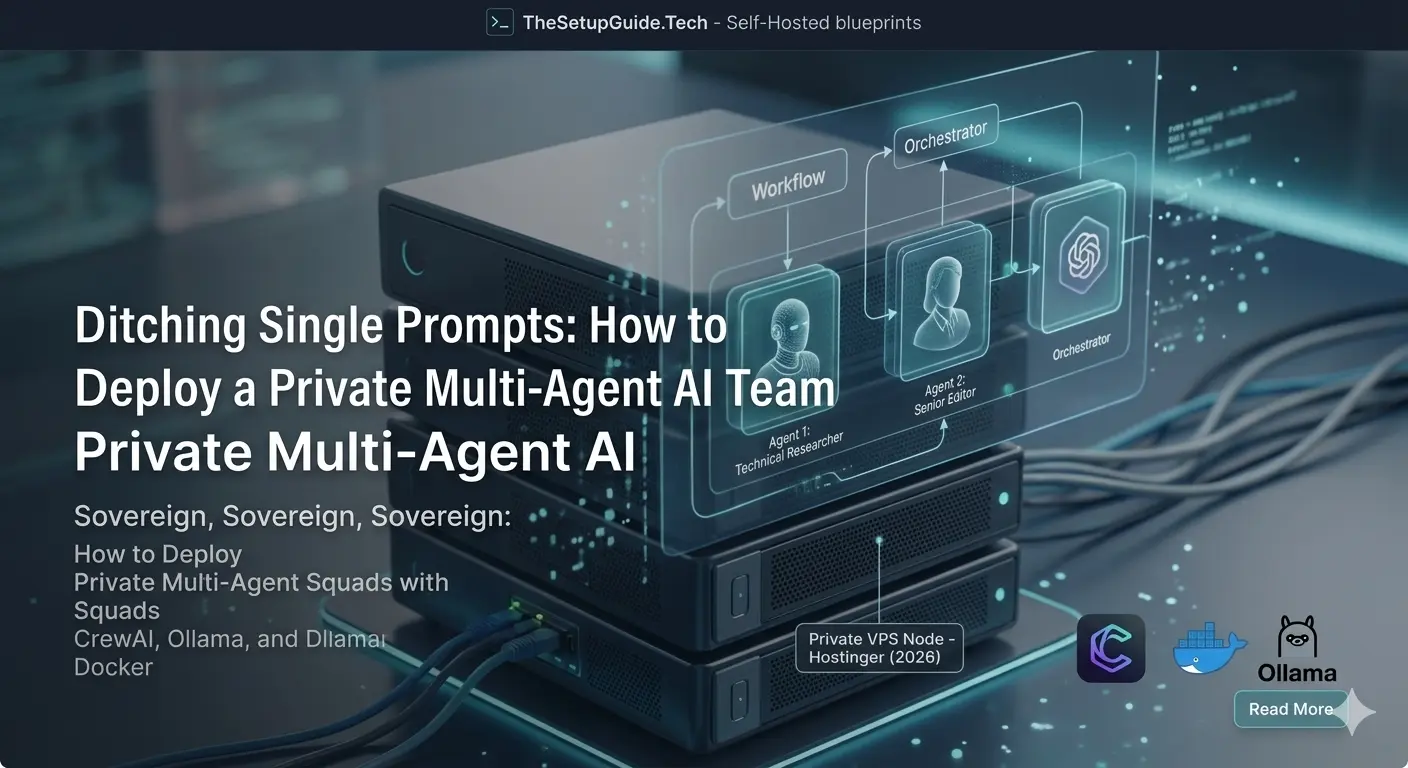
Multi-agent AI setups are dominating technical workflows. Instead of relying on a single prompt to solve complex engineering, content, or data tasks, developers are shifting to orchestrating squads of independent, role-playing AI agents that collaborate, critique, and execute tasks autonomously in the background.
But running these multi-agent frameworks in cloud environments comes with a painful reality check: metered API costs can destroy a budget overnight. Every single message exchange, background task, and critique loop devours thousands of cloud tokens.
The solution? Build an entirely sovereign, flat-rate, unmetered multi-agent system.
In this production-tested blueprint, we walk through how to deploy a private 2-agent squad using CrewAI, Ollama, and Docker on a private virtual node—giving you infinite executions at zero API cost.
The Tech Stack Architecture
To keep our data secure and our costs predictable, our architecture decouples infrastructure from closed-source cloud providers:
- Orchestration Framework: CrewAI (for definition of autonomous roles, tasks, and memory handoffs).
- Local Inference Engine: Ollama (running lightweight, high-performance local models like llama3.2).
- Containerization: Docker & Docker Compose (to bundle our background agents and dependencies into an easily deployable server image).
Step 1: Setting Up the Directory Structure
Connect to your private VPS via SSH and create a clean directory structure for the Dockerized agent setup:
mkdir -p local-crew-stack/src
cd local-crew-stack
Step 2: Creating the Multi-Agent Script
We will define a highly effective 2-agent team: a Technical Researcher who gathers facts, and a Senior Editor who distills those facts into crisp markdown reports. Create and open your main execution script:
nano src/main.pyimport os
from crewai import Agent, Task, Crew, Process, LLM
os.environ["OPENAI_API_KEY"] = "NA"
local_llm = LLM(
model="ollama/llama3.2",
base_url="http://ollama:11434"
)
researcher = Agent(
role='Lead Systems Researcher',
goal='Uncover critical architectural insights on self-hosted technology stacks',
backstory='An expert sysadmin with an uncanny ability to dissect server documentation and open-source codebases.',
verbose=True,
llm=local_llm
)
editor = Agent(
role='Senior Technical Editor',
goal='Refine complex engineering jargon into hyper-focused deployment summaries',
backstory='A polished technical documentation expert specialized in turning chaotic server logs and raw data notes into clean, structured summaries.',
verbose=True,
llm=local_llm
)
task1 = Task(
description='Analyze the primary infrastructure advantages of running automated self-hosted n8n instances over metered SaaS alternatives.',
expected_output='A 3-bullet-point breakdown detailing raw cost, privacy compliance, and data sovereignty metrics.',
agent=researcher
)
task2 = Task(
description='Review the technical findings from the researcher and format it into a highly professional executive summary markdown report.',
expected_output='A clean markdown report with a title, a brief introductory statement, and the final bullet points.',
agent=editor,
output_file='output_report.md'
)
crew = Crew(
agents=[researcher, editor],
tasks=[task1, task2],
process=Process.sequential
)
print("🚀 Initializing Local Multi-Agent Infrastructure Run...")
result = crew.kickoff()
print("✅ Task Execution Complete. Output stored to output_report.md")crewai
langchain-ollamaStep 4: Writing the Docker Compose File
To ensure your local AI framework is easily portable, we utilize a unified docker-compose.yml block. This configuration initializes a persistent Ollama instance alongside our background Python worker, ensuring the multi-gigabyte open-source models stay stored safely on disk across machine reboots. Create the file:
nano docker-compose.ymlPaste the container orchestration setup:
version: '3.8'

services:
  ollama:
    image: ollama/ollama:latest
    container_name: ollama-server
    volumes:
      - ollama-data:/root/.ollama
    ports:
      - "11434:11434"
    restart: unless-stopped

  crew_worker:
    image: python:3.11-slim
    container_name: crewai-worker
    volumes:
      - .:/app
    working_dir: /app
    depends_on:
      - ollama
    entrypoint: >
      sh -c "pip install -r requirements.txt &&
             ollama run llama3.2 &&
             python src/main.py"

volumes:
  ollama-data: